
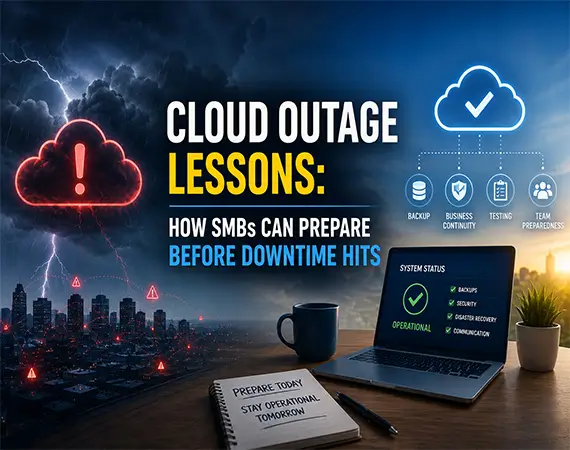
How to Prepare Your Small Business for Cloud Service Outages
Cloud services are reliable, but they are not immune to disruption. When a major cloud provider has a regional outage, businesses can suddenly lose access to websites, payment tools, customer portals, phone systems, file storage, or applications they depend on every day.
The right lesson is not to avoid the cloud. The right lesson is to understand your dependencies and build a practical continuity plan. Cloud resilience is not just a provider responsibility. It is a business planning responsibility.
Your Business May Depend on AWS Without Knowing It
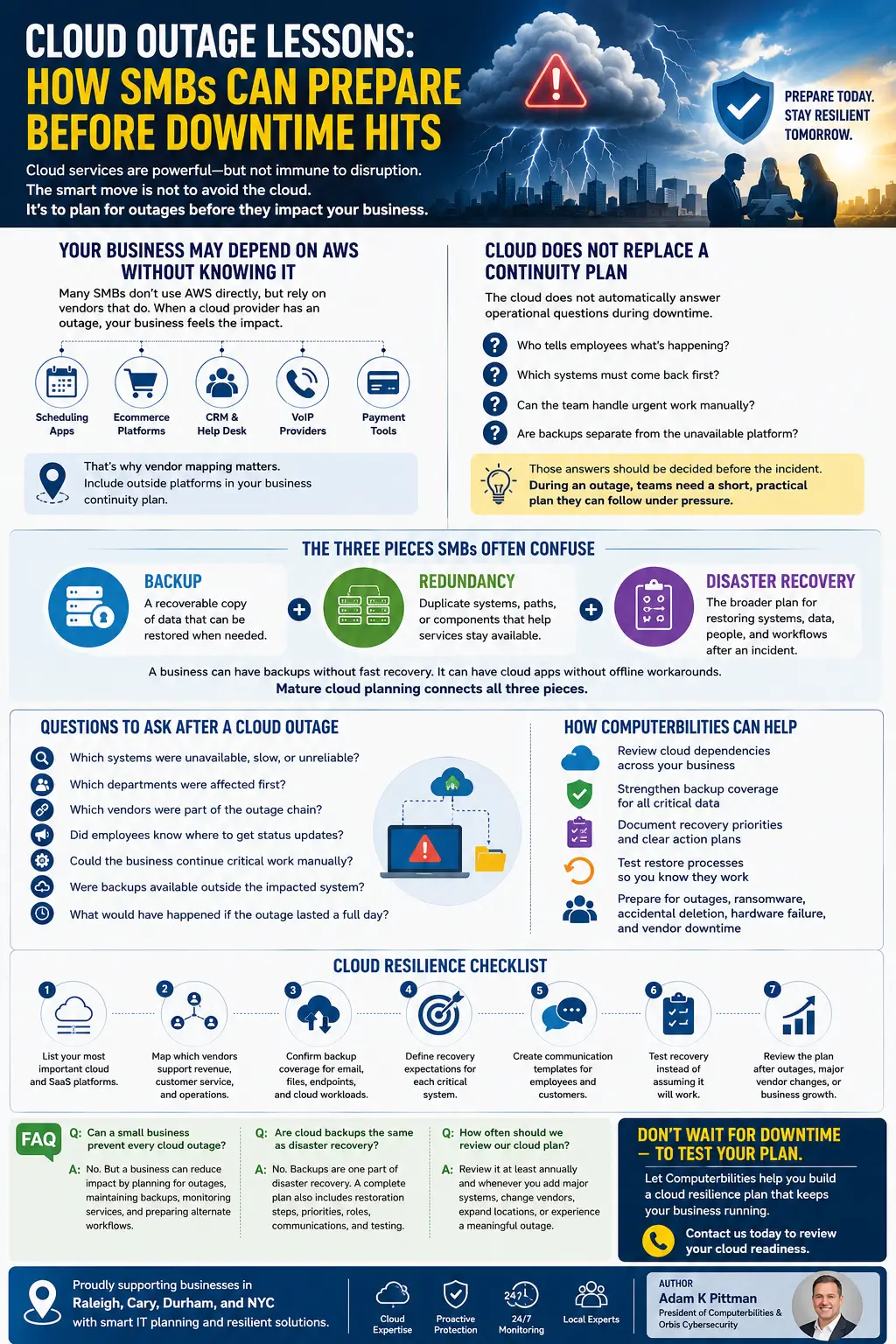
Many small businesses do not buy AWS services directly, but they still rely on vendors that do. A scheduling app, ecommerce platform, CRM, help desk system, VoIP provider, or payment tool may depend on AWS or another cloud provider behind the scenes. When that provider has an issue, your team feels the impact even if you never log in to a cloud console.
This is why vendor mapping matters. A business continuity plan should include not only your own servers and devices, but also the outside platforms that keep the company moving.
Cloud Does Not Replace a Continuity Plan
The cloud gives businesses flexibility, scalability, and strong infrastructure. But it does not automatically answer every operational question during downtime. Who tells employees what is happening? Which systems must come back first? Can the team process urgent customer requests manually? Are backups separate from the unavailable platform?
Those answers should be decided before the incident. During an outage, teams need a short, practical plan they can follow under pressure.
The Three Pieces SMBs Often Confuse
- Backup: a recoverable copy of data that can be restored when needed.
- Redundancy: duplicate systems, paths, or components that help services stay available.
- Disaster recovery: the broader plan for restoring systems, data, people, and workflows after an incident.
A business can have backups without having fast recovery. It can have cloud apps without having offline workarounds. It can have vendor uptime promises without knowing what to do when a key vendor is unavailable. Mature cloud planning connects all three pieces.
Questions to Ask After a Cloud Outage
- Which systems were unavailable, slow, or unreliable?
- Which departments were affected first?
- Which vendors were part of the outage chain?
- Did employees know where to get status updates?
- Could the business continue critical work manually?
- Were backups available outside the impacted system?
- What would have happened if the outage lasted a full day?
How Computerbilities Can Help
Computerbilities can help businesses review cloud dependencies, strengthen backup coverage, document recovery priorities, and test restore processes. The goal is to make sure the business has a workable plan for common disruption scenarios: cloud outages, ransomware, accidental deletion, hardware failure, and vendor downtime.
For local businesses in Raleigh, Cary, Durham, and NYC, this planning can be especially important when teams rely on remote work, cloud phones, Microsoft 365, hosted applications, and online customer interactions.
Cloud Resilience Checklist
- List your most important cloud and SaaS platforms.
- Map which vendors support revenue, customer service, and operations.
- Confirm backup coverage for email, files, endpoints, and cloud workloads.
- Define recovery expectations for each critical system.
- Create communication templates for employees and customers.
- Test recovery instead of assuming it will work.
- Review the plan after outages, major vendor changes, or business growth.
FAQ
Can a small business prevent every cloud outage?
No. But a business can reduce impact by planning for outages, maintaining backups, monitoring services, and preparing alternate workflows.
Are cloud backups the same as disaster recovery?
No. Backups are one part of disaster recovery. A complete plan also includes restoration steps, priorities, roles, communications, and testing.
How often should we review our cloud plan?
Review it at least annually and whenever you add major systems, change vendors, expand locations, or experience a meaningful outage.
Author: Adam K Pittman (https://adamkpittman.com/)
President Of Computerbilities & Orbis Cybersecurity