
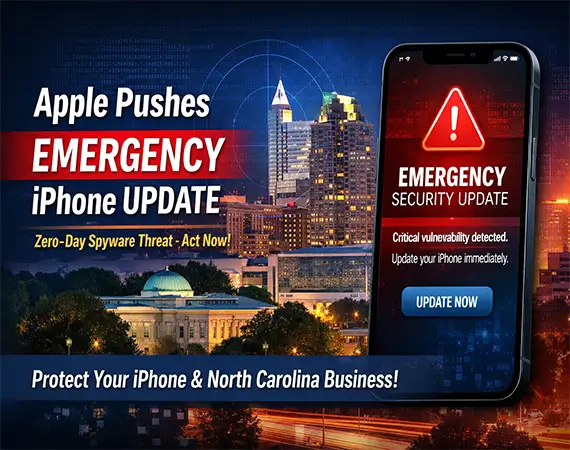
Apple Pushes Emergency iPhone Update after spyware attack.
When Apple issues a routine software update, most users casually tap “Install Tonight” and move on. But when your iPhone displays an “Update Now” message labeled as urgent, that’s different.
Recently, Apple pushed an emergency iPhone update security patch in response to what experts described as an “extremely sophisticated” spyware attack. The company urged users to install iPhone update immediately, emphasizing that this was not a routine bug fix—it was a critical response to an active security threat.
For residents and businesses across North Carolina—from Raleigh and Durham to Cary and Wilmington—this development serves as a reminder that mobile devices are no longer just communication tools. They are gateways to financial data, business emails, healthcare records, and corporate systems.
Let’s break down what this Apple emergency iPhone update means, why it matters, and what you should do next.
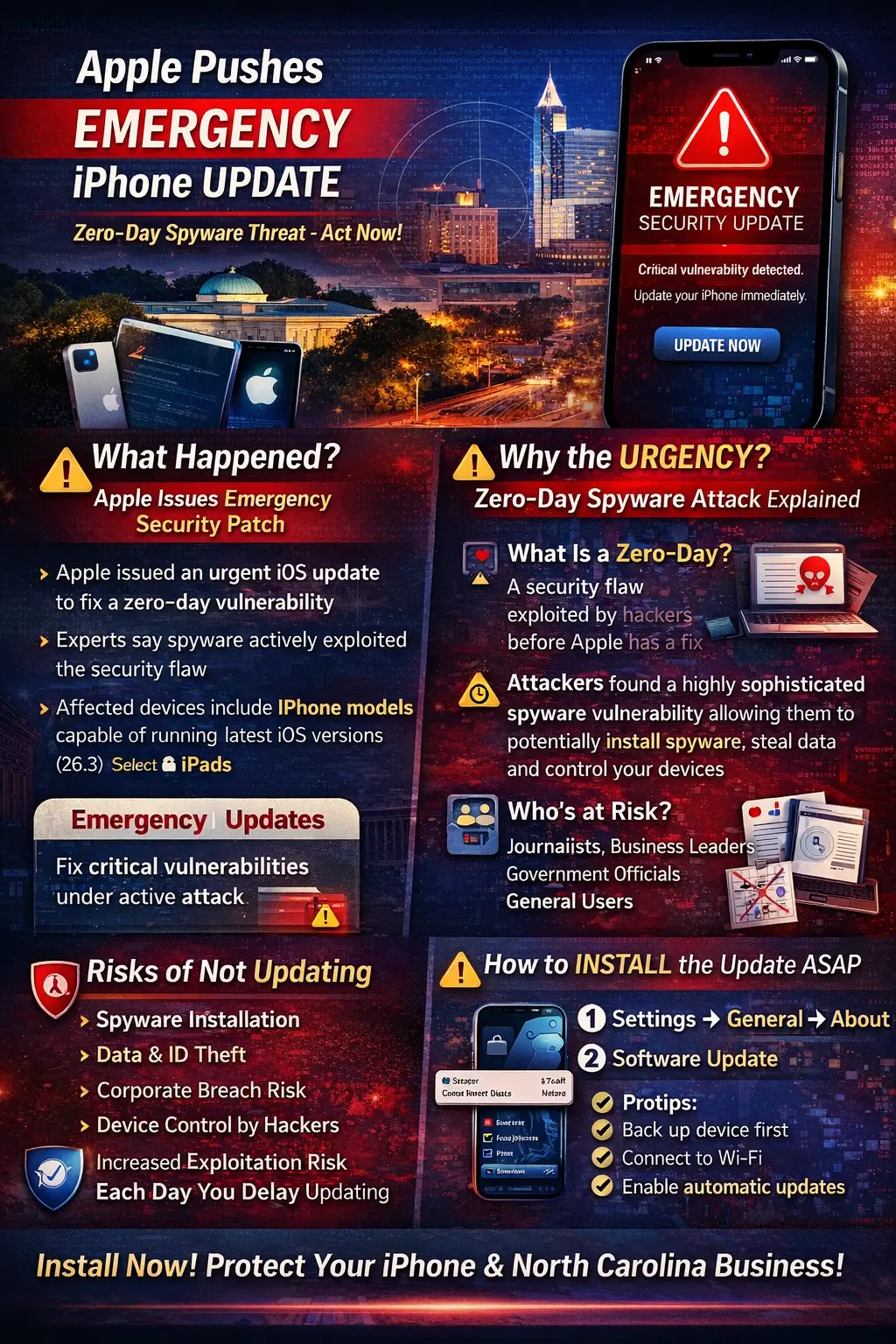
1️⃣ Clear Explanation of the Emergency Update
What Apple Announced
Apple released an urgent iOS emergency update to address security vulnerabilities that were reportedly exploited in targeted attacks. Unlike regular iOS updates that include feature enhancements or performance improvements, this release focused solely on security remediation.
Apple’s security advisory described the patch as necessary to address serious vulnerabilities that may have been actively exploited—prompting the company to encourage users to download iPhone security patch immediately.
iOS Version Number Affected
The update applies to recent iOS versions, including what has been referenced as the iOS 26.3 emergency update (version numbers may vary slightly depending on device and region).
Users are strongly encouraged to verify their version and ensure they are running the latest patched release.
Devices Impacted
The update applies to:
- iPhone models capable of running the latest iOS version
- Select iPad models
- Potentially other Apple ecosystem devices depending on shared vulnerabilities
Generally, if your device supports the most recent iOS release, you are likely impacted and should update.
What Makes This an “Emergency” Update?
Many users search: “Why does iPhone say emergency update?” or “iPhone update now message meaning?”
Here’s the distinction:
Regular Update | Emergency Update |
Includes new features, UI tweaks | Focuses on urgent security fix |
Scheduled release cycle | Released out-of-band |
Low immediate risk if delayed | Active exploitation possible |
An iOS critical security update is issued outside the normal update schedule when a vulnerability poses immediate risk—especially if attackers are already exploiting it.
Think of it like a recall notice for a car part that’s failing under certain conditions. It’s not optional maintenance—it’s immediate protection.
2️⃣ Why Apple Issued the Update
Description of the Vulnerability
Apple addressed what cybersecurity experts call a zero-day iOS vulnerability patch—a flaw that attackers discovered and exploited before Apple could publicly disclose or fix it.
This particular issue was reportedly tied to an iOS spyware exploit, allowing attackers to potentially execute malicious code on affected devices.
What Is a Zero-Day Vulnerability?
A zero-day vulnerability is a security flaw unknown to the vendor at the time attackers begin exploiting it.
The “zero” refers to zero days of warning.
In practical terms:
- Hackers discover the flaw.
- They develop an exploit.
- They deploy it.
- The company scrambles to issue a patch.
That is why an Apple zero-day iPhone patch is taken extremely seriously.
What “Extremely Sophisticated Spyware Attack” Means
The term “extremely sophisticated” isn’t marketing language—it has specific implications:
- Likely used in targeted attack iPhone update scenarios
- Possibly deployed by advanced threat actors
- May require significant technical capability
- Designed to avoid detection
Such spyware often targets:
- Journalists
- Government officials
- Business executives
- High-value corporate users
However, once a vulnerability becomes public knowledge, opportunistic criminals may attempt broader exploitation.
Who May Be at Risk?
While these attacks often begin as targeted operations, any unpatched device can become vulnerable. That includes:
- Business leaders in North Carolina
- Law firms handling sensitive cases
- Healthcare administrators
- Financial service professionals
- General iPhone users
If your phone stores email, banking credentials, or corporate login details, you are part of the risk landscape.
3️⃣ Technical Breakdown (Simplified for Readers)
Without diving too deeply into technical jargon, the vulnerability reportedly affected core system components such as:
- WebKit (Safari’s rendering engine)
- Possibly kernel-level processes
When core system components are vulnerable, attackers may achieve:
- Remote code execution
- Device takeover
- Data extraction
- Surveillance installation
In some cases, these exploits may not require user interaction. Simply visiting a malicious website could trigger compromise.
This is why Apple’s security patch iPhone now messaging emphasizes urgency.
A CVE (Common Vulnerabilities and Exposures) identifier is typically assigned to such flaws, allowing cybersecurity teams to track and document the risk formally.
4️⃣ Risks of Not Updating
Many people ask: “What happens if you ignore an emergency iOS update?”
Here’s what’s at stake:
Possible Data Theft
Attackers could access:
- Photos
- Emails
- Messages
- Cloud-stored documents
Spyware Installation
Malware could silently:
- Record calls
- Monitor keystrokes
- Track location
Identity Compromise
Access to:
- Banking apps
- Social media
- Corporate credentials
Corporate Data Breach Risk
If you use your device for work, unpatched vulnerabilities can expose:
- Client data
- Intellectual property
- Financial systems
Device Control
In worst-case scenarios, attackers gain near-complete control.
Delaying an iPhone security update now is similar to leaving your front door unlocked in a high-crime area.
5️⃣ How to Install the Emergency iOS Update
If you’re wondering how to install Apple emergency iPhone update, follow these steps:
- Open Settings
- Tap General
- Select Software Update
- Tap Download and Install
- Follow on-screen instructions
Before Updating:
- Back up your device via iCloud or computer.
- Ensure your battery is above 50% or plugged in.
- Connect to secure Wi-Fi.
Enable Automatic Updates
Go to:
Settings → General → Software Update → Automatic Updates
Enable both download and installation.
This prevents missing future iOS patch urgent alert releases.
6️⃣ How to Check If You’re Already Protected
To verify protection:
- Go to Settings → General → About
- Check iOS Version
- Compare with Apple’s latest release
If you see the updated version number, you are patched.
7️⃣ Warning Signs of Compromise
Sophisticated spyware often leaves no obvious traces. However, possible indicators include:
- Unexplained battery drain
- Data usage spikes
- Overheating
- Random popups
- Unknown configuration profiles
If you suspect compromise, contact a cybersecurity professional.
8️⃣ Apple’s History of Emergency Security Updates
Apple has previously released:
- Multiple zero-day patches
- Rapid out-of-band security fixes
- Security Response updates separate from major releases
This reflects Apple’s security response framework:
- Identify vulnerability
- Confirm exploitation
- Develop patch
- Issue urgent advisory
The company’s swift action reinforces its commitment to user security.
9️⃣ Business & Enterprise Impact in North Carolina
For businesses across North Carolina, this event highlights serious implications.
Why Companies Must Enforce Rapid Updates
Mobile devices are often entry points into corporate networks.
If employees delay updates, attackers gain opportunities.
BYOD (Bring Your Own Device) Risks
When employees use personal iPhones for work:
- Corporate data mixes with personal data.
- Security enforcement becomes inconsistent.
- Patch delays increase exposure.
MDM (Mobile Device Management)
Businesses should implement MDM solutions to:
- Enforce mandatory updates
- Monitor compliance
- Restrict vulnerable devices
Compliance Risks
Industries such as:
- Healthcare (HIPAA)
- Finance
- Legal
Face regulatory penalties if breaches occur due to negligence—such as ignoring an Apple urgent iOS update.
🔟 Broader Cybersecurity Takeaway
This incident underscores larger trends:
Mobile Devices Are Prime Targets
Smartphones hold:
- Banking
- Two-factor authentication codes
- Business credentials
They are digital keys to everything.
Zero-Day Exploits Are Increasing
As operating systems become more complex, attackers search relentlessly for weaknesses.
Patch Management Matters
Whether for individuals or enterprises, patch management is foundational cybersecurity hygiene.
Proactive Security Posture
The most secure organizations:
- Enable automatic updates
- Use mobile security tools
- Educate employees
- Monitor threat advisories
Final Thoughts for North Carolina Readers
If your iPhone displays an Apple update urgent message, do not ignore it.
Cyber threats do not discriminate by geography—but North Carolina’s growing business hubs, research institutions, and healthcare systems make the region especially reliant on secure mobile infrastructure.
An emergency iPhone update vs regular update is not merely a software refresh. It is a defensive shield deployed in real time.
When Apple says install now, the safest response is simple:
Install the update immediately.