
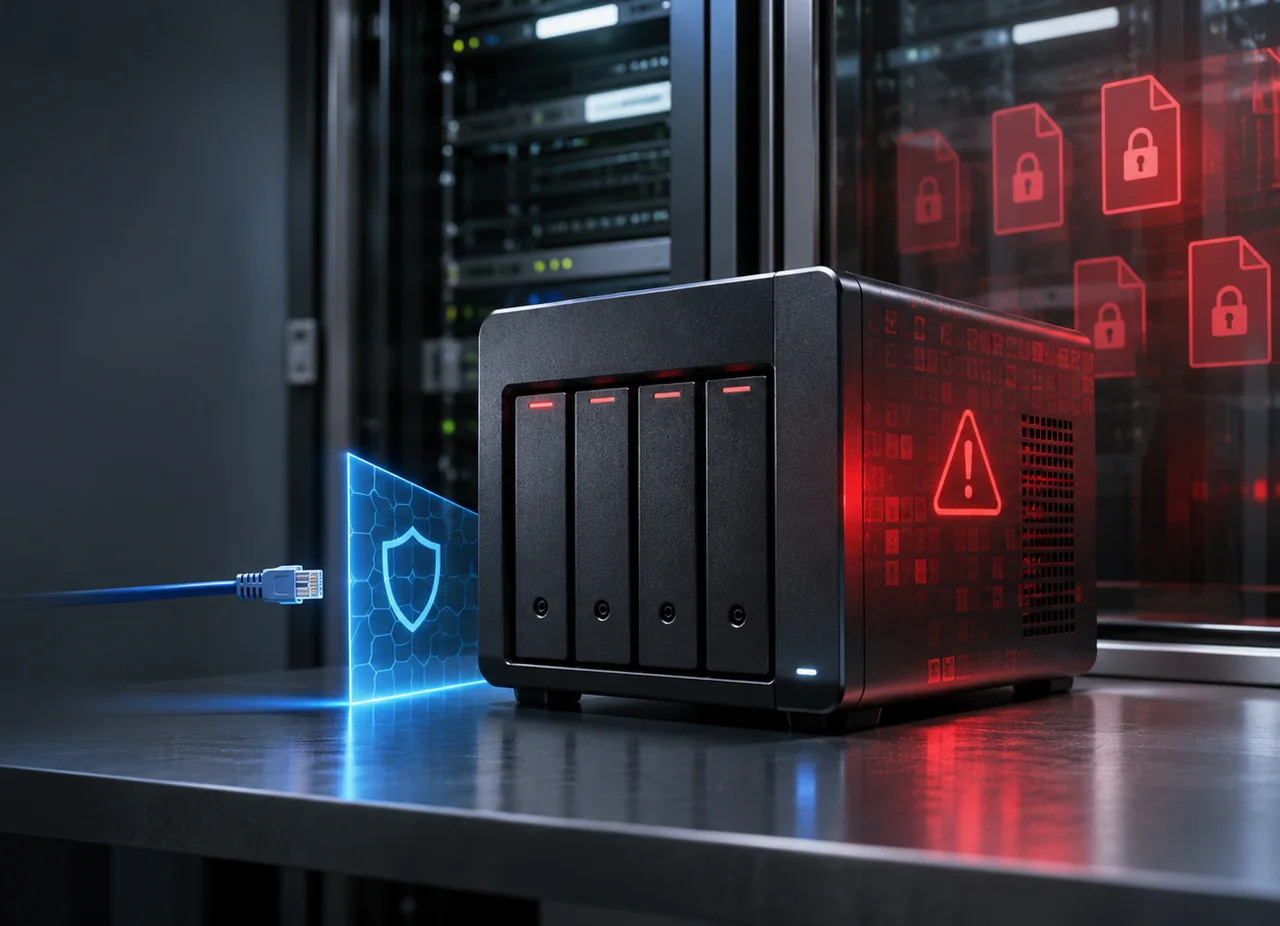
Synology Ransomware Warning: Is Your Business Backup Device Protected?
Synology says attackers are encrypting data on NAS devices that still run outdated DSM software. Businesses should patch now, reduce exposure, and prove that recovery works before an incident.
News event: October 29, 2026 | Updated: November 16, 2026
The immediate message is simple: if a Synology NAS is part of your backup or file-storage environment, confirm its DSM version today. An unpatched backup appliance can become a ransomware target instead of a recovery resource.
What Synology Reported
On October 29, 2026, Synology warned that threat actors were exploiting a vulnerability that the company had patched in December 2024. According to Synology, the attacks target devices running outdated versions of DiskStation Manager, or DSM, and are intended to encrypt data and demand a ransom. The company urged affected users to update DSM immediately and recommended enabling automatic updates.
Synology directed customers to security advisory Synology-SA-24:20, which covers vulnerabilities disclosed after Pwn2Own 2024. The advisory is marked critical and lists fixed releases across multiple DSM branches. It also says there is no mitigation, which means configuration changes alone are not a substitute for installing a fixed DSM release.
The advisory includes CVE-2024-10441, a critical remote-code-execution vulnerability with a CVSS 3.1 base score of 9.8, plus two moderate-severity issues. Synology’s short ransomware notice refers readers to the advisory but does not identify the individual CVE used in the observed attacks. That distinction matters: defenders should act on the vendor’s patch guidance without presenting an unconfirmed attribution or exploit chain as fact.
Fixed DSM Releases Listed by Synology
The following table reflects the minimum fixed releases in Synology-SA-24:20. Organizations should still review the live advisory and current DSM release information because later supported builds may be available.
| DSM branch | Minimum fixed release in Synology-SA-24:20 |
|---|---|
| DSM 7.2.2 | 7.2.2-72806-1 or later |
| DSM 7.2.1 | 7.2.1-69057-6 or later |
| DSM 7.2 | 7.2-64570-4 or later |
| DSM 7.1 | 7.1.1-42962-7 or later |
| DSM 6.2 | 6.2.4-25556-8 or later |
Update as of November 16, 2026: Synology also released a separate critical DSM advisory, Synology-SA-26:19, on November 10. It lists fixes in DSM 7.4.1-90080-1, 7.3.2-86009-5, 7.2.2-72806-10, and 7.2.1-69057-13 or later for their respective branches. These are separate vulnerabilities; the advisory does not establish that they caused the October ransomware activity. Install the current supported security release for your model rather than stopping at the older minimums above.
Why a NAS Can Become the Weakest Link in Recovery
A network-attached storage device often sits at the center of a small or midsize business. It may store shared files, workstation backups, virtual-machine data, surveillance footage, or replicated copies from other systems. That concentration creates efficiency, but it also creates a high-value target. If attackers compromise the NAS, they may disrupt production data and the backup copies intended to restore it.
The word backup can create false confidence. A second copy is useful only when it is isolated enough to survive the incident, current enough to meet the business’s recovery needs, and verified through restoration. A NAS that is permanently reachable with broad administrative credentials may be an online storage target, not a resilient recovery layer.
CISA’s StopRansomware guidance warns that ransomware actors often try to locate and delete or encrypt accessible backups. It recommends offline, encrypted backups and regular tests of backup availability and integrity. For business leaders, the practical question is not simply whether the company owns a backup device. It is whether an attacker who reaches the network can alter every usable copy of critical data.
What Businesses Should Do Now
Treat this warning as an operations task with an owner and a deadline. The first pass should identify every Synology device, its DSM branch and build, whether it is internet-accessible, what data it holds, and whether a separate recovery copy exists. Do not assume a quiet appliance in a closet is current merely because backup jobs appear to be running.
1. Verify and Update DSM
Sign in through a trusted administrative path and record the model, DSM version, build number, installed packages, and update status. Compare the build with Synology-SA-24:20 and the current release available for that model. If the device is below the fixed release, prioritize the update under an approved change process. Back up the system configuration, confirm recent backup-job results, and review compatibility requirements before maintenance.
Enable automatic installation of important DSM security updates where the business can support it, or establish a monitored patch workflow with defined time limits. Automatic updates reduce the chance that a known critical fix waits unnoticed for months. They do not remove the need for oversight: someone should receive update-failure notifications, verify reboots, and monitor packages that may follow separate update schedules.
Older hardware deserves a lifecycle decision. If a NAS cannot run a supported, fixed DSM version, document the risk and plan replacement rather than leaving it indefinitely exposed. Temporary isolation may reduce risk while data is migrated, but Synology lists no mitigation for the critical advisory issue. Isolation is therefore a containment measure, not a permanent patch alternative.
2. Restrict Access to the NAS
A storage appliance should not be broadly reachable simply because remote work is convenient. Review router port forwarding, public DNS records, firewall rules, reverse proxies, remote-access services, and vendor relay features. Remove direct internet exposure that is not required. When remote administration is necessary, use a controlled path such as a properly secured VPN or zero-trust access service, limit source networks, and separate the management interface from ordinary user traffic where practical.
Enable the DSM firewall and allow only the services, networks, and source addresses the business actually needs. Disable unused protocols and packages, especially legacy services. Restrict SSH to approved administrators and networks, and keep it off when it is not required. Network segmentation should prevent a compromised workstation from having unrestricted access to the NAS management plane or backup repositories.
Harden identity controls as well. Synology recommends disabling the default admin account, using multi-factor authentication, configuring auto block and account protection, and assigning users only the permissions they need. Give backup services dedicated accounts instead of reusing a domain administrator or shared IT credential. Protect administrative credentials in a password manager and avoid storing recovery keys only on the systems they are meant to recover.
Run Synology Security Advisor, enable notifications, and review logs for unexpected sign-ins, new accounts, changes to permissions, disabled security controls, unusual file activity, and abnormal resource use. Forward important logs to a separate system if possible. Local logs may be changed or lost if the appliance is compromised.
3. Make the Backup Design Harder to Destroy
Use the 3-2-1 principle as a starting point: keep at least three copies of important data, on two different types of storage, with one copy offsite. For ransomware resilience, strengthen the offsite copy with offline or immutable protection. Examples may include rotated media that is disconnected after backup, cloud object storage with retention controls, or a separately administered repository that production credentials cannot delete.
Separate the blast radius. A NAS should not be the only location for production files and the only destination for backups. Avoid letting the same administrator account control endpoints, servers, the NAS, and every secondary repository. Review who can delete snapshots, change retention, erase backup jobs, or access encryption keys. High-impact actions should be limited, logged, and protected by multi-factor authentication where supported.
Snapshots and version history can speed recovery from accidental changes or some ransomware events, but they are not automatically immutable and should not be treated as a complete backup strategy. Confirm how snapshot retention is protected on the specific model and DSM configuration. Keep at least one recovery path outside the administrative reach of the primary environment.
4. Test Recovery Instead of Trusting a Green Status
A successful backup job proves that a process wrote data somewhere. It does not prove that the right data can be restored within the time the business can tolerate. Synology’s Hyper Backup includes integrity checks that examine backup data and index structures. Schedule those checks, review their completion, and investigate any task that changes to Restore Only because corruption was detected.
Integrity checks are valuable, but they are not a substitute for restoration drills. On a regular schedule, restore selected files to a clean alternate location and verify that users can open them. Periodically test a larger recovery that reflects the business’s real dependencies: permissions, application data, directory services, encryption keys, network configuration, and the order in which systems must return.
Record recovery time objective, which is how quickly a service must return, and recovery point objective, which is how much recent data the business can afford to lose. Then compare those targets with measured restore results. A backup plan that requires three days to recover a system with a four-hour tolerance is not meeting the business requirement, even if every nightly job reports success.
Each test should produce evidence: the backup version selected, test date, restored data, elapsed time, validation owner, failures, and corrective actions. Keep the runbook and essential credentials in a protected location that remains available if normal identity systems, email, or the NAS itself are offline.
If Files Are Already Encrypted
If a Synology NAS shows ransom notes, unexplained extensions, inaccessible shares, unexpected administrator changes, or rapid encryption activity, treat it as an active security incident. Disconnect the affected device from network access without erasing it. Isolate other systems that may be involved, preserve logs and evidence, and activate the organization’s incident-response and communications plans.
Do not immediately wipe the NAS or connect backup media to a potentially compromised environment. The initial access path and stolen credentials may still be active. Engage qualified incident-response support, notify cyber-insurance contacts according to policy requirements, and involve legal counsel and law enforcement as appropriate. Determine whether data was only encrypted or may also have been accessed or stolen; the latter can create notification and regulatory obligations.
Recovery should begin only after the team understands the likely scope, closes the entry path, resets affected credentials, and identifies a known-good restore point. Rebuild or reinitialize compromised systems according to a documented plan, install current security updates, and restore from verified copies. Monitor closely for persistence or renewed access. Paying a ransom does not guarantee recovery or prevent misuse of stolen data, and payment decisions require legal, operational, and law-enforcement input.
The Management Lesson Behind the Warning
This incident is a reminder that backup infrastructure belongs in the vulnerability-management program. Many businesses patch laptops and servers on a regular cycle but treat NAS devices, firewalls, hypervisors, and other appliances as set-and-forget equipment. Attackers do not respect that organizational boundary. If a device holds valuable data or privileged credentials, it needs an inventory record, a named owner, supported software, monitored alerts, and a patch deadline.
A practical review can start with five questions: Which DSM build is installed? Can the NAS be reached from the internet or from every workstation? Which accounts can administer it or delete backups? Is there an offline or immutable copy outside the same control plane? When did the business last complete a timed restoration? Clear answers provide more assurance than the presence of a backup icon or a nightly success email.
Synology’s warning is specific to outdated DSM software, but the response should be broader. Patch the known weakness, then reduce the pathways an attacker could use and verify the recovery plan under realistic conditions. The goal is not merely to keep the NAS online. It is to preserve the organization’s ability to operate when primary systems fail or are deliberately attacked.
Frequently Asked Questions
Is Every Synology NAS Vulnerable to This Ransomware Activity?
Synology says the observed attacks target devices running outdated DSM versions affected by a vulnerability patched in December 2024. Risk depends on the installed DSM branch and build, device exposure, and other environmental factors. Compare the installed build with the vendor’s live advisory rather than relying only on the model name or a general assumption that automatic updates are working.
Is Updating DSM Enough to Protect a Business NAS?
Updating closes the known vulnerability and is the urgent first step, but it does not address stolen credentials, unnecessary internet exposure, excessive permissions, weak network segmentation, or an untested backup design. Combine patching with restricted access, multi-factor authentication, logging, separate recovery copies, and restoration testing.
Should a Synology NAS Be Accessible From the Public Internet?
Direct public exposure should be avoided unless there is a documented business requirement and the service has been securely designed and monitored. Prefer a controlled remote-access method, limit management access to approved users and networks, enable the DSM firewall, and disable unused services. Review exposure periodically because router and firewall rules can outlive the original need.
Are Snapshots the Same as Backups?
No. Snapshots preserve point-in-time states and can make rollback faster, but they often remain on the same storage system and may be accessible to an attacker with sufficient privileges. Use snapshots as one recovery layer, not as the only copy. Maintain a separate offline, offsite, or immutable backup that cannot be deleted through the same credentials.
How Often Should Recovery Be Tested?
Test selected file restores regularly and run broader recovery exercises on a schedule based on business risk, data change rate, and recovery objectives. Critical systems may justify monthly or quarterly testing, while less critical systems may be tested less often. Retest after major changes to storage, identity, applications, encryption, network design, or backup software.
A Practical Next Step
Ask your IT team or managed service provider for a short written NAS resilience review covering device inventory, DSM build, internet exposure, administrative accounts, backup isolation, monitoring, and the date and result of the last restore test. That review should end with named owners and deadlines for every gap. A patched device is important; a tested recovery capability is what protects the business.
Explore our business backup and disaster recovery services and our guide to 12 ransomware backup tests your MSP should run.