
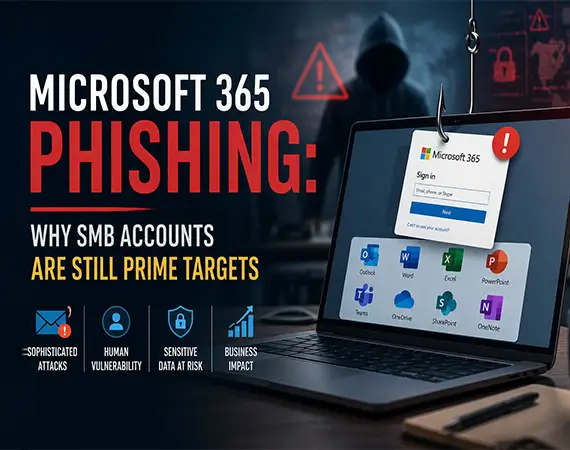
How to Protect Your Microsoft 365 Account from Phishing Attacks
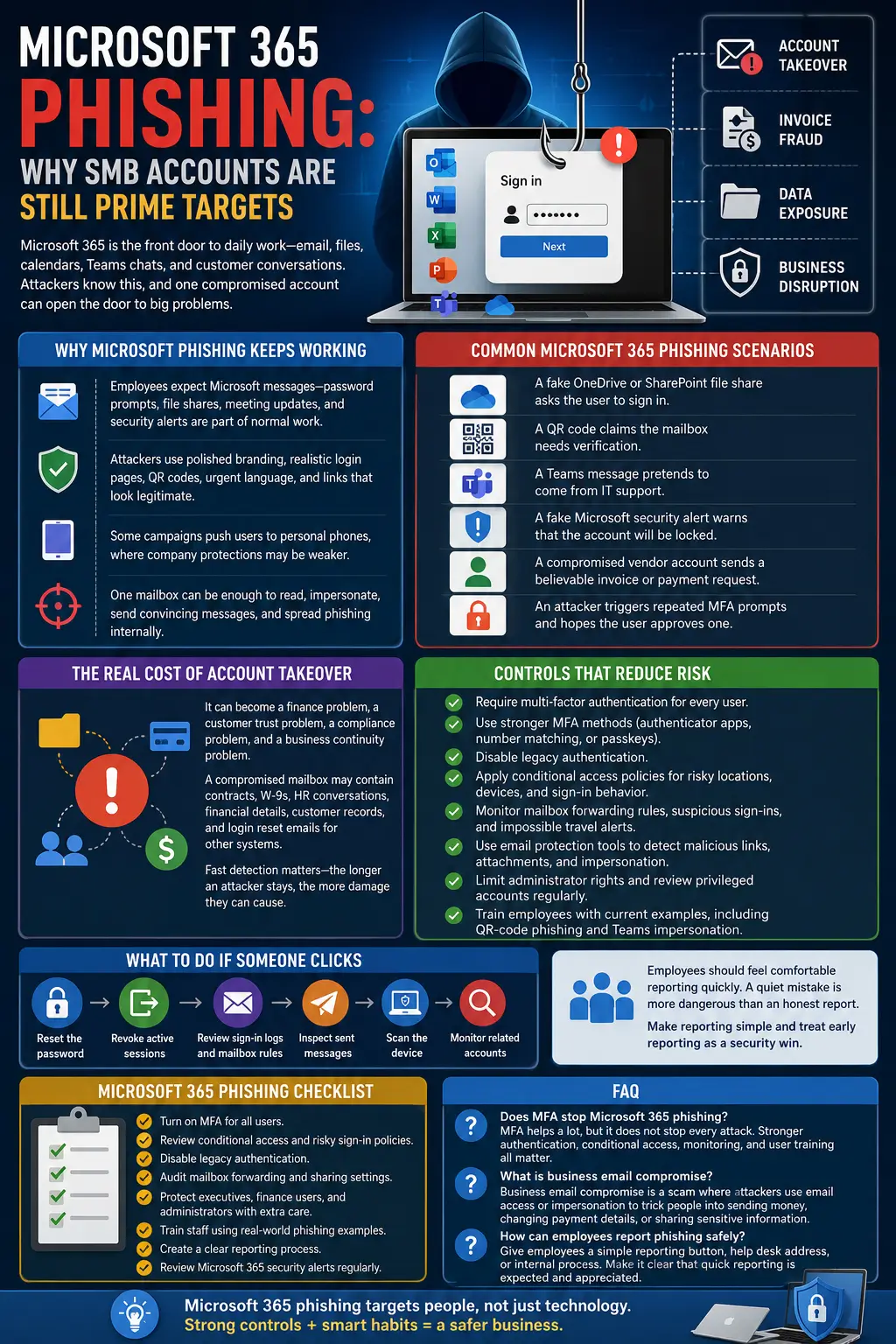
For many businesses, Microsoft 365 is the front door to daily work. Email, files, calendars, Teams chats, SharePoint sites, contacts, and customer conversations often live behind one account. That makes Microsoft 365 a high-value target for attackers.
A phishing attack does not have to compromise the whole company at once. One mailbox can be enough. With access to a real employee account, attackers can study conversations, create forwarding rules, send convincing messages, request invoice changes, and spread additional phishing internally.
Why Microsoft Phishing Keeps Working
Employees expect to see Microsoft messages. Password prompts, file-share notifications, meeting updates, storage warnings, security alerts, and Teams messages are part of normal work. Attackers use that familiarity to make fake messages feel routine.
The best phishing emails no longer look sloppy. They may use polished branding, realistic login pages, QR codes, urgent security language, and links that seem close to legitimate Microsoft pages. Some campaigns also try to move users onto personal phones, where company protections may be weaker.
Common Microsoft 365 Phishing Scenarios
- A fake OneDrive or SharePoint file share asks the user to sign in.
- A QR code claims the mailbox needs verification.
- A Teams message pretends to come from IT support.
- A fake Microsoft security alert warns that the account will be locked.
- A compromised vendor account sends a believable invoice or payment request.
- An attacker triggers repeated MFA prompts and hopes the user approves one.
The Real Cost of Account Takeover
Microsoft 365 phishing is not only an email problem. It can become a finance problem, a customer trust problem, a compliance problem, and a business continuity problem. A compromised mailbox may contain contracts, W-9s, HR conversations, financial details, customer records, and login reset emails for other systems.
Fast detection matters. The longer an attacker stays inside an account, the more time they have to read, search, forward, download, impersonate, and prepare the next step.
Controls That Reduce Microsoft 365 Phishing Risk
- Require multi-factor authentication for every user.
- Use stronger MFA methods such as authenticator apps, number matching, or passkeys where appropriate.
- Disable legacy authentication.
- Apply conditional access policies for risky locations, devices, and sign-in behavior.
- Monitor mailbox forwarding rules, suspicious sign-ins, and impossible travel alerts.
- Use email protection tools that detect malicious links, attachments, and impersonation.
- Limit administrator rights and review privileged accounts regularly.
- Train employees with current examples, including QR-code phishing and Teams impersonation.
What to Do If Someone Clicks
A fast response can limit damage. If an employee clicks a suspicious link or enters credentials, the business should reset the password, revoke active sessions, review sign-in logs, check mailbox rules, inspect sent messages, scan the device, and monitor related accounts.
Employees should feel comfortable reporting quickly. A quiet mistake is more dangerous than an honest report. Businesses should make the reporting process simple and treat early reporting as a security win.
How Computerbilities Can Help
Computerbilities can help configure Microsoft 365 security settings, improve MFA and conditional access, monitor suspicious activity, review permissions, support employee awareness, and respond to suspected account compromise. For SMBs without a dedicated security team, that practical oversight can reduce both risk and stress.
Microsoft 365 Phishing Checklist
- Turn on MFA for all users.
- Review conditional access and risky sign-in policies.
- Disable legacy authentication.
- Audit mailbox forwarding and sharing settings.
- Protect executives, finance users, and administrators with extra care.
- Train staff using real-world phishing examples.
- Create a clear reporting process.
- Review Microsoft 365 security alerts regularly.
FAQ
Does MFA stop Microsoft 365 phishing? MFA helps a lot, but it does not stop every attack. Stronger authentication, conditional access, monitoring, and user training all matter.
What is business email compromise? Business email compromise is a scam where attackers use email access or impersonation to trick people into sending money, changing payment details, or sharing sensitive information.
How can employees report phishing safely? Give employees a simple reporting button, help desk address, or internal process. Make it clear that quick reporting is expected and appreciated.
Author: Adam K Pittman (https://adamkpittman.com/)
Founder & President of Computerbilities & Orbis Cybersecurity