
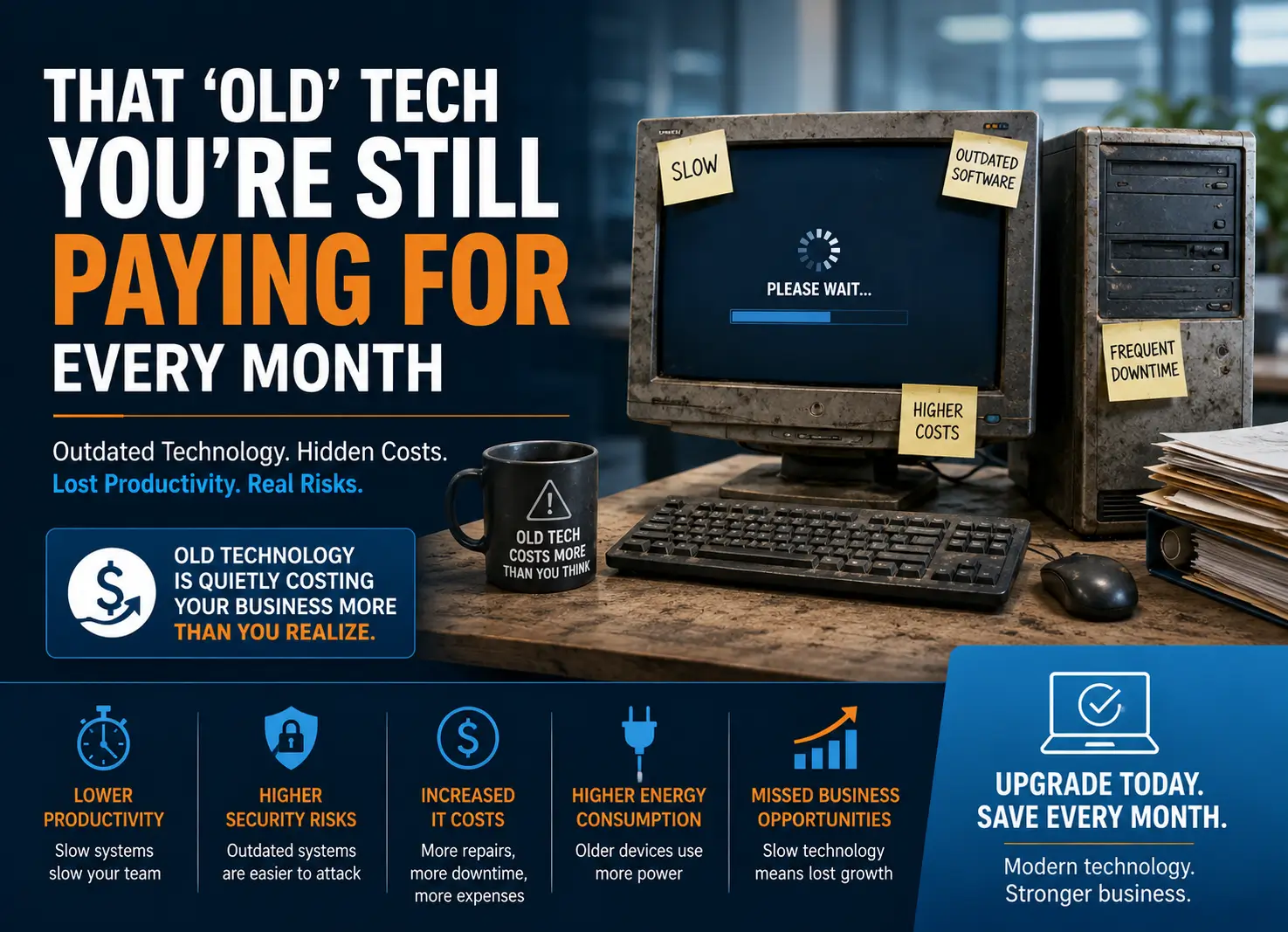
That 'Old' Tech You're Still Paying For Every Month
Introduction
Many businesses continue using aging computers and legacy technology because it still appears to work. In reality, outdated technology creates hidden monthly costs through lost productivity, downtime, repairs, higher energy usage, and cybersecurity risk. For SMBs in North Carolina—including Raleigh, Cary, Durham, Wake Forest, Apex, Holly Springs, and Chapel Hill—modernizing IT infrastructure can improve efficiency while reducing long-term costs.
The Hidden Monthly Cost of Old Technology
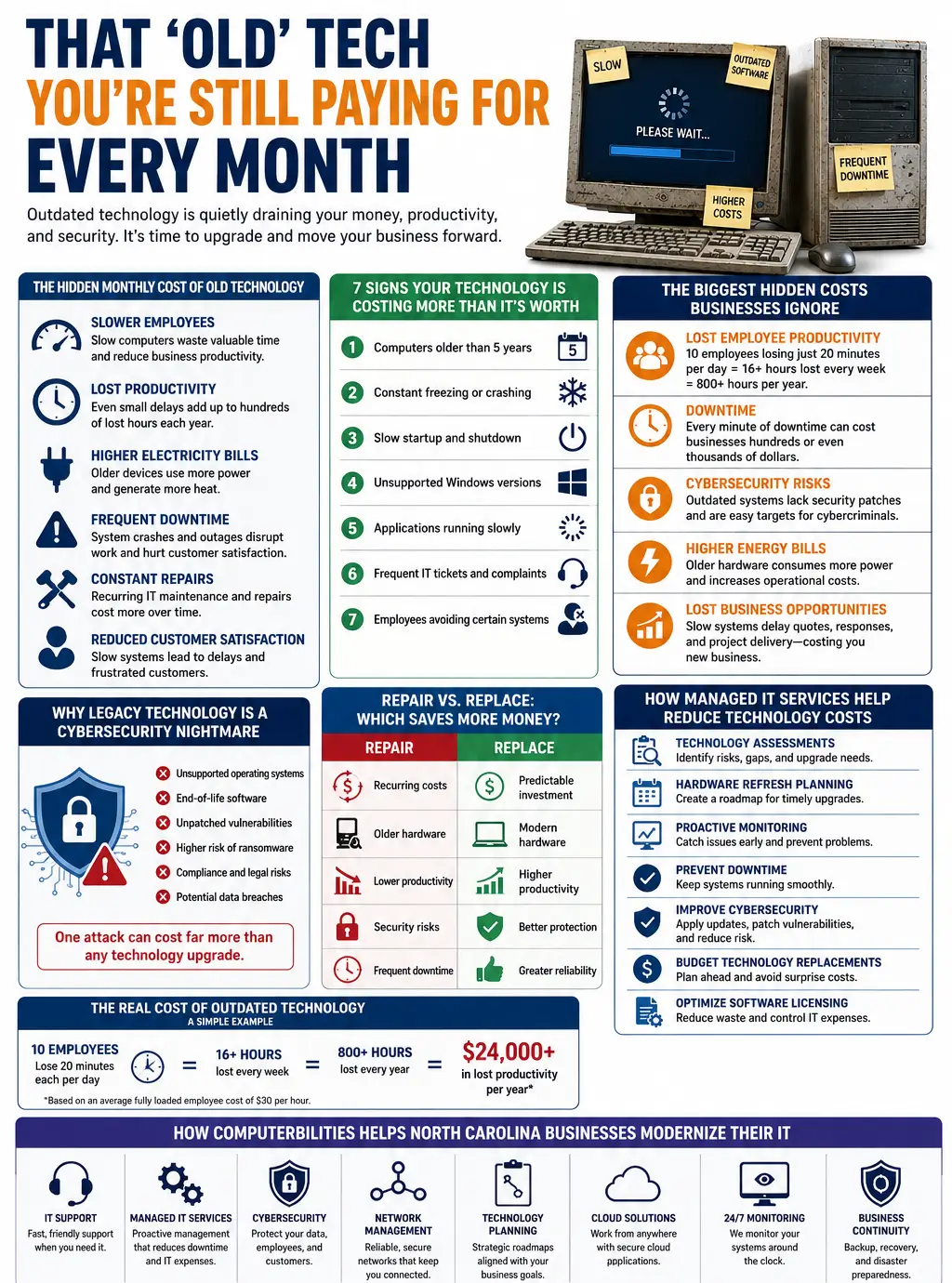
Old hardware slows employees, increases downtime, requires frequent repairs, and can negatively affect customer service. Even losing 20 minutes per employee per day can add up to hundreds of lost work hours annually.
7 Signs Your Technology Is Costing More Than It’s Worth
- Computers older than five years
- Slow startup times
- Constant freezing and frequent restarts
- Unsupported Windows versions
- Applications that lag
- Frequent IT tickets
- Employees avoiding certain systems
The Biggest Hidden Costs Businesses Ignore
Beyond repair bills, businesses pay through lost productivity, business interruptions, higher electricity usage, delayed customer responses, and increased cybersecurity exposure.
Why Legacy Technology Is a Cybersecurity Nightmare
Unsupported operating systems and end-of-life software no longer receive security updates, leaving businesses vulnerable to ransomware, phishing, compliance failures, and data breaches.
Repair vs. Replace
Repair: recurring costs, lower productivity, security risks, frequent downtime.
Replace: predictable investment, better performance, improved cybersecurity, greater reliability.
How Managed IT Services Help
Managed IT Services provide technology assessments, proactive monitoring, lifecycle planning, hardware refresh strategies, software license optimization, cloud migration guidance, and stronger cybersecurity.
Frequently Asked Questions (FAQs)
1. How do I know if my business computers need replacing?
If your computers are more than five years old, frequently freeze, take a long time to start, or struggle to run modern business applications, it’s time to consider replacing them. Other warning signs include increasing repair costs, unsupported operating systems, and employees regularly complaining about slow performance. A professional technology audit from a trusted IT Company can help determine whether upgrading your hardware will improve business productivity and reduce long-term technology costs.
2. How often should businesses upgrade technology?
Most businesses should evaluate their IT infrastructure every three to five years. While some servers and networking equipment may last longer, laptops, desktops, and other end-user devices generally perform best when replaced within this timeframe. Regular technology refresh planning ensures your business benefits from improved performance, stronger cybersecurity, and compatibility with the latest software and cloud applications.
3. Does outdated technology increase cybersecurity risks?
Yes. Outdated technology and legacy technology often run unsupported operating systems and end-of-life software that no longer receive security patches. This leaves businesses vulnerable to ransomware, malware, phishing attacks, and data breaches. Upgrading your systems and partnering with a provider of Managed IT Services helps ensure your devices remain secure, compliant, and protected against evolving cyber threats.
4. What is the average lifespan of business laptops?
Most business laptops have an effective lifespan of three to five years, depending on usage and maintenance. After that, performance typically declines, batteries deteriorate, and hardware becomes less reliable. Replacing aging computers at the right time helps improve employee productivity, reduce downtime, and support modern business applications more efficiently.
5. Can old servers slow down an entire business?
Absolutely. Aging or overloaded servers can affect file sharing, email, business applications, databases, and internet performance across your organization. Slow servers increase employee frustration, reduce operational efficiency, and may even cause unexpected outages. Regular IT lifecycle management and timely server replacement help maintain reliable business operations.
6. What are the hidden costs of legacy technology?
The true cost of legacy technology extends far beyond repair bills. Businesses often experience lost productivity, frequent downtime, higher energy consumption, increased IT maintenance costs, security vulnerabilities, and missed business opportunities due to slow systems. These hidden expenses can significantly exceed the cost of planned business technology upgrades over time.
7. How can Managed IT Services extend technology life?
A reliable Managed IT Services provider proactively monitors your systems, performs regular maintenance, installs security updates, optimizes performance, and identifies potential hardware failures before they become major problems. While no device lasts forever, proactive IT Support helps maximize the lifespan of your technology while reducing unexpected downtime and costly emergency repairs.
8. Should businesses replace all technology at once?
Not necessarily. Most organizations benefit from a phased technology modernization strategy rather than replacing everything simultaneously. Prioritizing critical systems based on age, performance, security risks, and business impact allows companies to spread costs over time while minimizing disruption. An experienced IT Services provider can develop a technology roadmap that aligns with your business goals and budget.
9. How do technology upgrades improve productivity?
Modern hardware and software allow employees to complete tasks faster, collaborate more effectively, and access cloud applications without delays. Faster computers reduce waiting times, minimize system crashes, and improve overall workflow efficiency. Investing in business technology upgrades also helps employees focus on serving customers instead of dealing with slow or unreliable systems.
10. What industries benefit most from technology modernization?
Nearly every industry can benefit from technology modernization, including healthcare, legal firms, accounting practices, manufacturing, construction, retail, financial services, nonprofit organizations, and professional service firms. Businesses that depend on secure data, reliable communication, and efficient operations gain significant advantages through improved IT infrastructure, stronger cybersecurity, and proactive Managed IT Services.
How Computerbilities Can Help Your Business
Keeping outdated technology running may seem like a cost-saving decision, but it often leads to higher operational expenses, increased cybersecurity risks, and lower employee productivity. At Computerbilities, we help small and medium-sized businesses across North Carolina, including Raleigh, Cary, Durham, Wake Forest, Apex, Holly Springs, and Chapel Hill, modernize their IT environments without unnecessary disruption.
Our experienced team provides:
- Comprehensive IT Support tailored to your business needs.
- Proactive Managed IT Services that reduce downtime and improve system reliability.
- Advanced Cybersecurity solutions to protect your business from evolving threats.
- Technology assessments and lifecycle planning for smarter IT investments.
- Cloud migration and network infrastructure optimization.
- 24/7 monitoring and responsive technical support.
- Business continuity and disaster recovery planning.
- Strategic technology roadmaps that align with your long-term growth.
Whether you need to replace aging computers, upgrade legacy hardware, strengthen your cybersecurity posture, or plan your next technology refresh, Computerbilities can help you build a secure, reliable, and future-ready IT environment.
Ready to stop paying the hidden costs of outdated technology? Contact Computerbilities today to schedule a technology assessment and discover how smarter IT investments can improve productivity, reduce costs, and support your business growth.
Conclusion
Outdated technology is often more expensive than replacing it. A phased technology refresh supported by an experienced IT partner can reduce operational costs, improve productivity, and strengthen cybersecurity.